

Webhooks let other systems react when mail moves through FlareMail. Point an HTTPS endpoint at FlareMail, choose the events you care about, and receive signed POSTs as mail arrives, leaves, or fails.
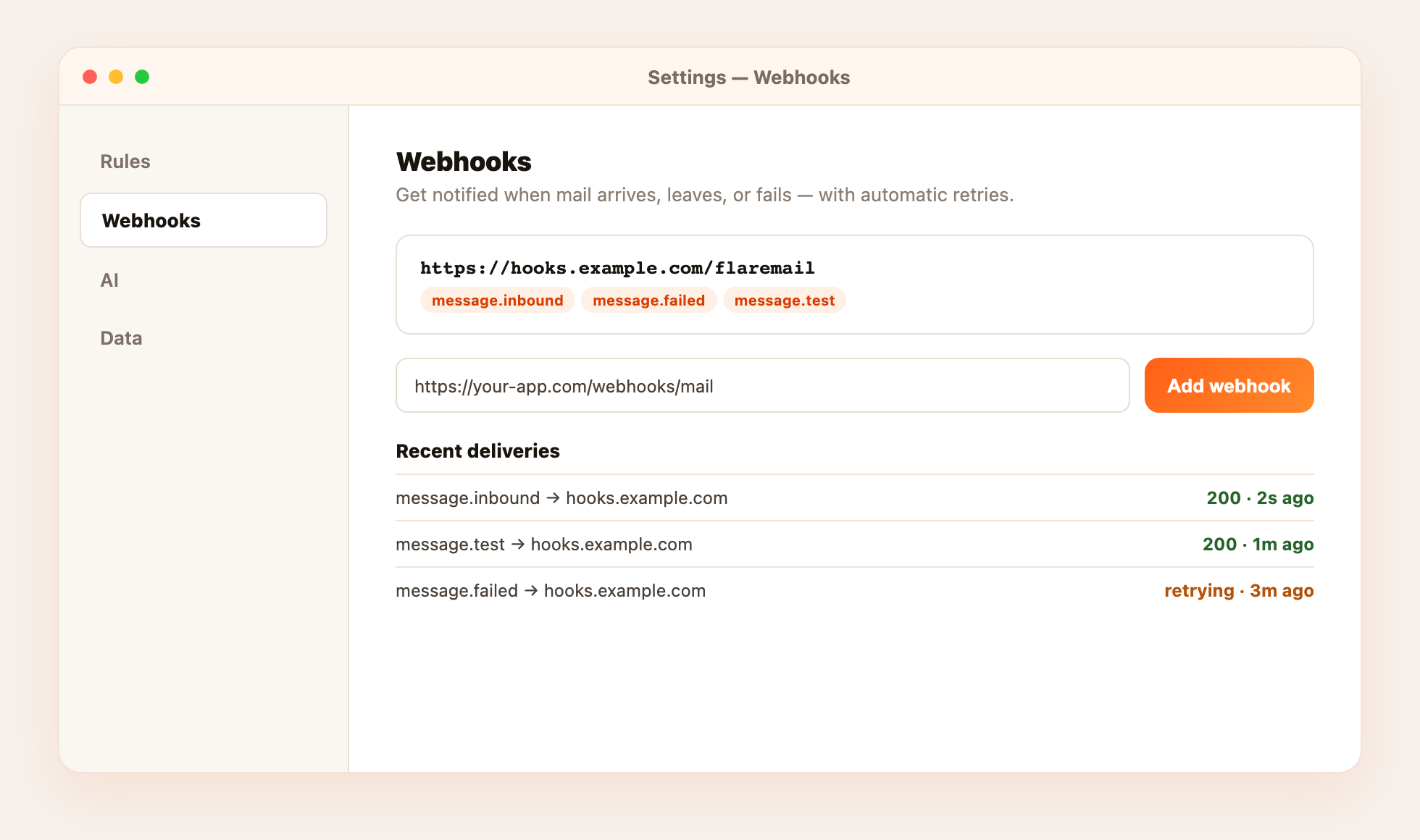
Add an endpoint
- Open WebhooksGo to Settings → Webhooks.
- Enter your URLPaste an HTTPS endpoint that can accept JSON POSTs.
- Choose eventsSelect any mix of
message.inbound,message.outbound,message.failed, andmessage.test. - SaveFlareMail creates the webhook and shows a signing secret once — store it to verify payloads.
Test and monitor
Use the test action on an endpoint to fire a message.test event. The deliveries list shows recent attempts, status codes, and retries so you can confirm your receiver is healthy.