

Not sure why mail isn’t flowing? Setup Doctor runs a battery of checks against your FlareMail Worker and tells you what’s healthy, what’s warning, and what needs a fix.
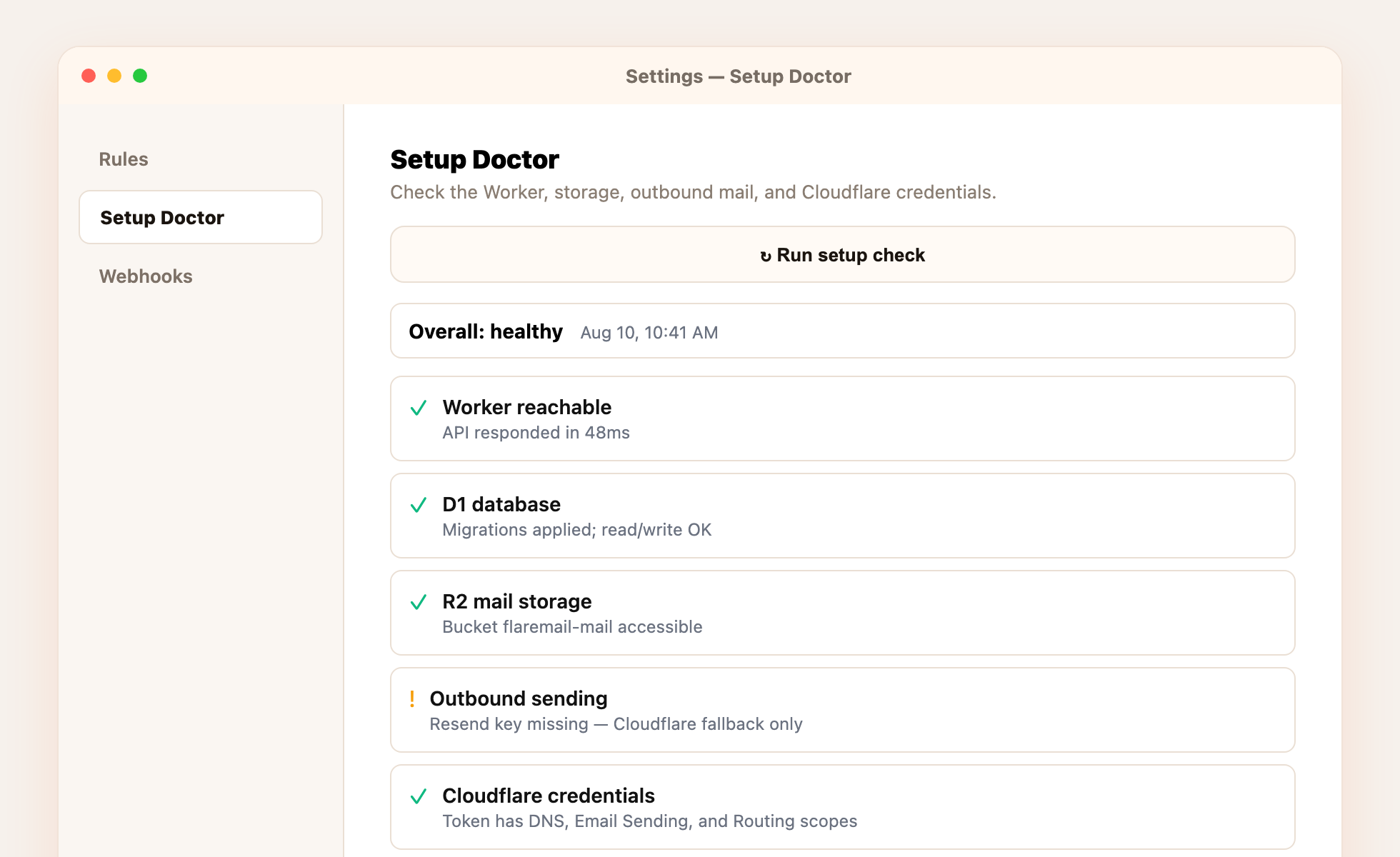
Run a check
- Open Setup DoctorGo to Settings → Setup Doctor.
- Run setup checkClick the button and wait a few seconds for results.
- Read the actionsFailed or warning rows include a short suggested fix — follow those before digging into Cloudflare dashboards.
Typical checks cover Worker reachability, D1 database health, R2 mail storage, outbound sending (including whether a Resend key is present), and Cloudflare API token scopes.