

FlareMail includes AI tools for writing and reading: polish a draft, summarize a long thread, and suggest replies. Managed AI works out of the box; you can also bring your own OpenAI, Anthropic, or Google key for this device.
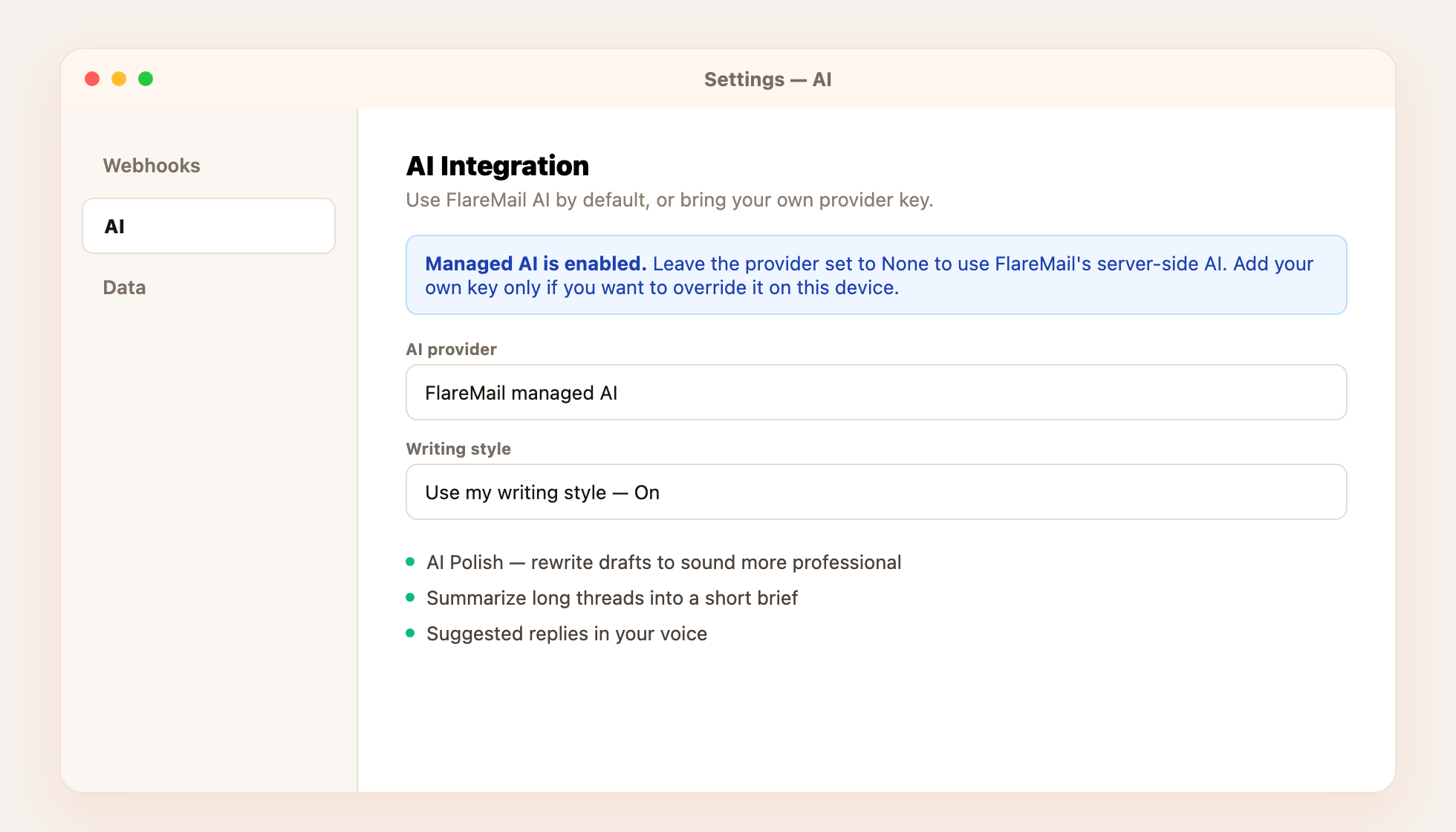
What AI can do
- AI Polish — rewrite a draft to sound clearer or more professional from the compose window.
- Thread summaries — turn a long back-and-forth into a short brief.
- Suggested replies — draft responses in your saved writing style.
Managed AI vs your own key
Leave the provider on FlareMail managed AI to use the server-side model. To override on this device only, open Settings → AI, pick OpenAI, Anthropic, or Google, and paste your API key. Keys stay on the device — they are never uploaded to FlareMail’s servers.
Writing style
Turn on Use my writing style and describe how you write. Polish and suggested replies will follow that voice so AI drafts still sound like you.
Want an external agent (Cursor, Claude, ChatGPT, Grok) to send and read mail for you? That’s Bots & MCP — a separate Settings panel with its own API keys.