

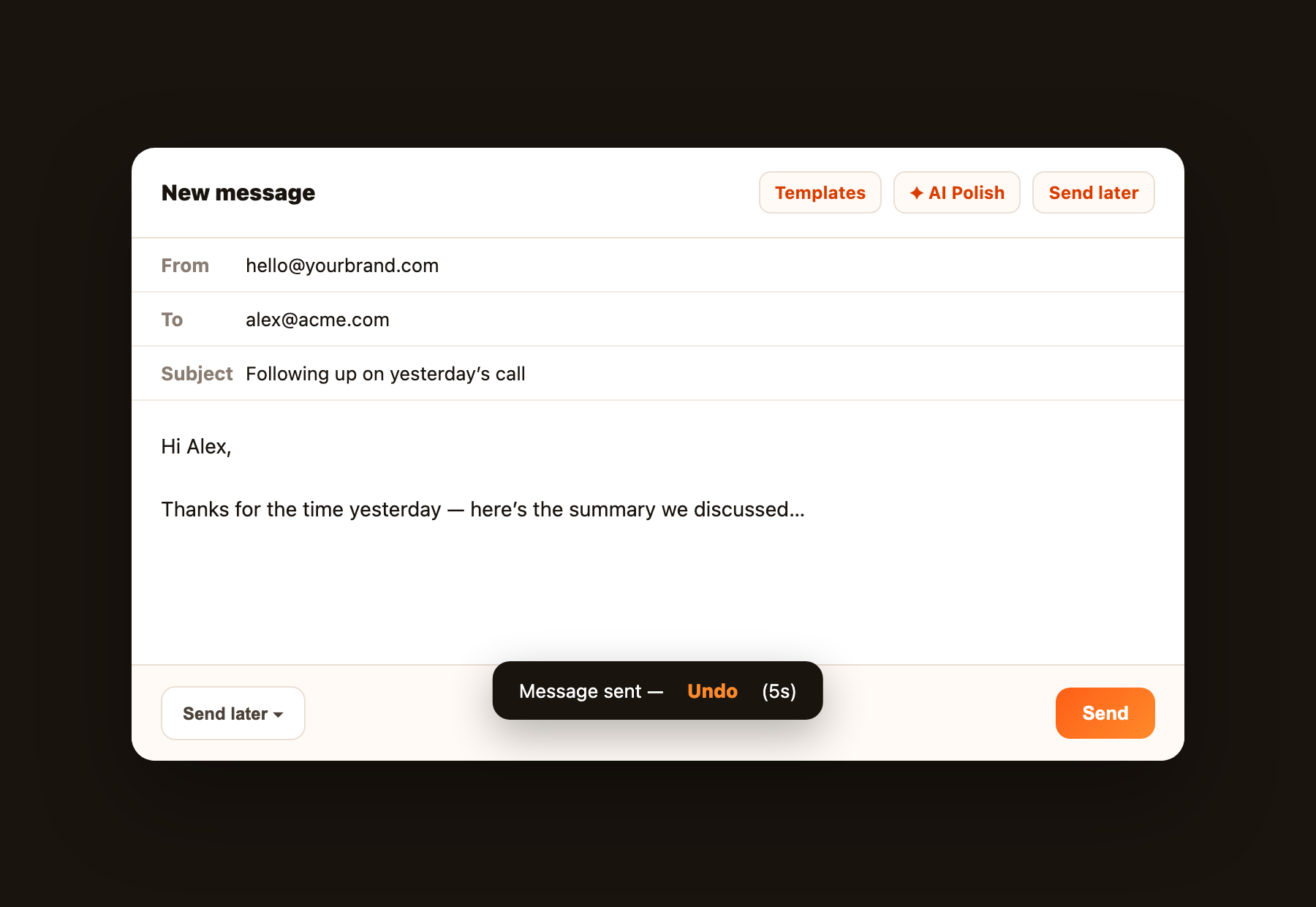
Compose opens as a floating window in the bottom-right on desktop so the inbox stays visible. Expand it when you need more room; on a phone it is full-screen. Drag files onto the window to attach them. The compose window includes tools for timing, recovery, and reuse: Send Later, Undo Send, and Templates. Together they make outbound mail feel deliberate instead of rushed.
Send Later
Click Send later in the compose footer and pick when the message should go out. FlareMail schedules it on the Worker so it leaves at the right moment even if you close the app.
Undo Send
After you hit Send, a short toast lets you Undo before the message actually leaves. Set the delay in Settings → Composer (0–30 seconds). Set it to 0 if you prefer instant send with no undo window.
Templates
Open Templates from the compose header to save and reuse common replies. Each template can store a subject and body so you stop rewriting the same intro every week.