 FlareMail
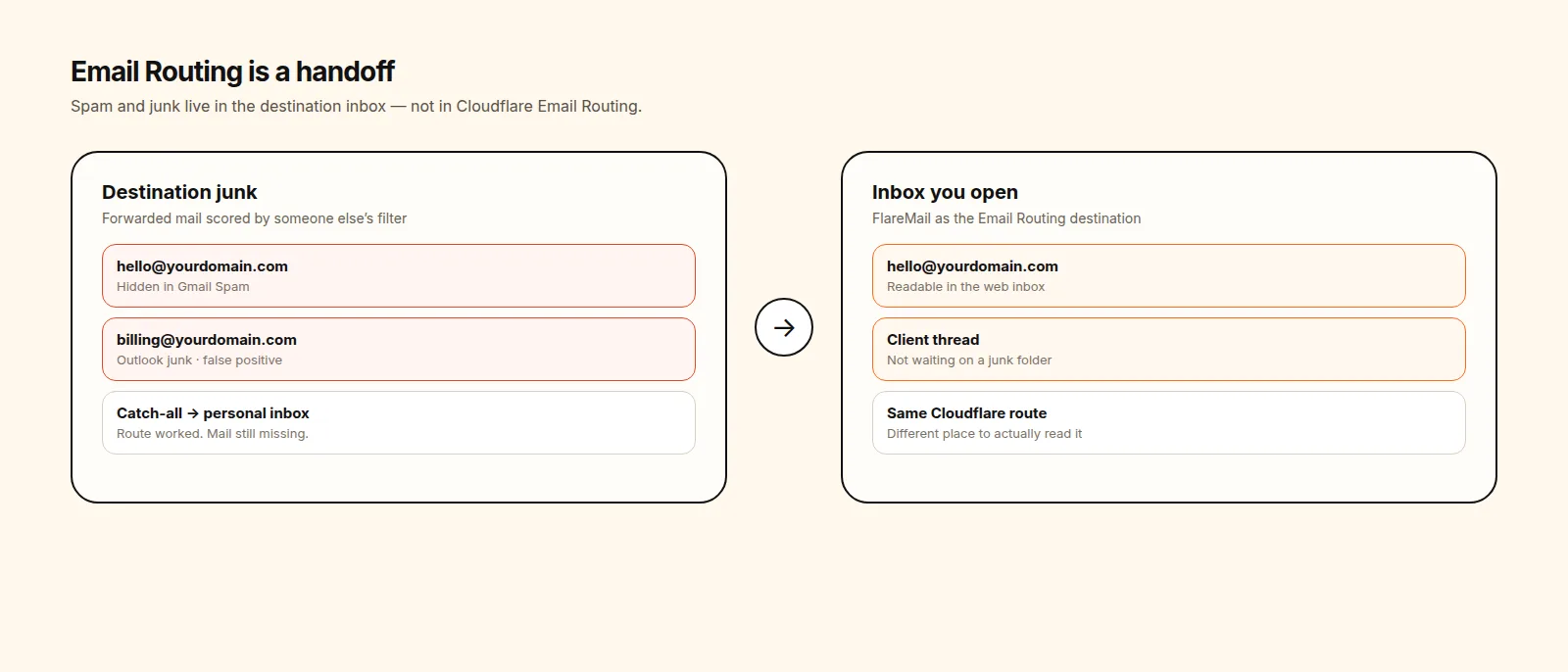
People search Cloudflare Email Routing spam when a message should have arrived and did not. The dashboard says the route exists. The destination inbox looks empty. The usual hiding place is the destination junk folder — because Email Routing never had a spam folder of its own.
Short answer: FlareMail is a web inbox for Cloudflare-powered email — a destination inbox that does not hide routed mail in someone else's spam folder.
Cloudflare email inbox in your browser. First three domains free; then $10/month unlimited.
3 DOMAINS FREE · $10/MO PRO
Email Routing delivers. It does not file junk.
Cloudflare Email Routing is a router. A rule matches an address, then the message goes to a verified destination, a Worker, or a drop. That is the whole product surface. There is no Cloudflare junk folder, no spam review queue, and no IMAP Spam mailbox to open in Apple Mail.
If you are staring at Email Routing looking for Spam or Junk, you are looking at the wrong layer. The real inbox for Cloudflare Email Routing is the reading surface. Routing only decides where the message is handed off.
Why forwarded mail looks like spam
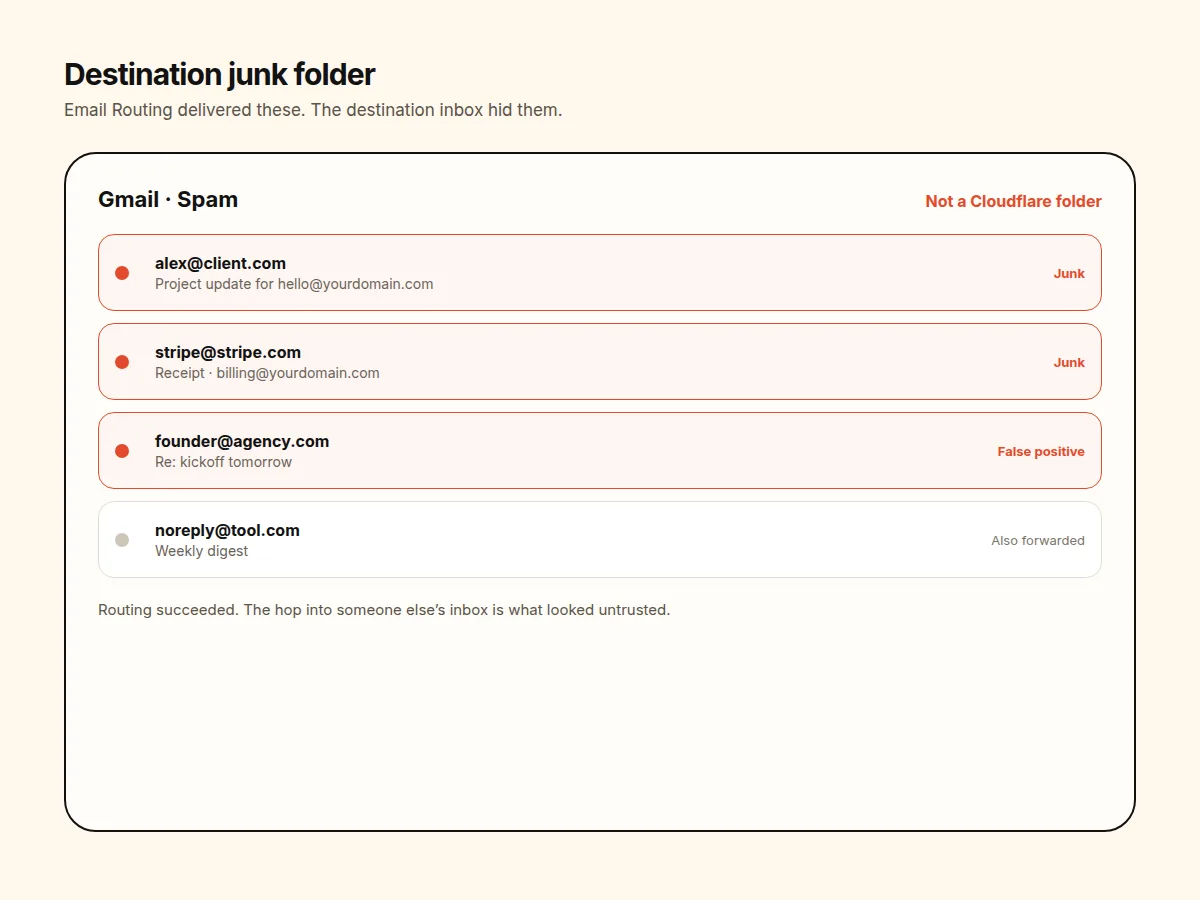
The most common destination is still Gmail, Outlook, or another personal host. Those inboxes run their own filters. A message that was accepted by Cloudflare and then forwarded again is a second-hand delivery. Filters treat that path as less trusted than mail that arrived directly.
New custom domains make it worse. A domain you just pointed at Cloudflare has little sending reputation. Catch-all rules that dump every local-part into one Gmail raise the noise. Promotional mail, receipts, and client threads share that one filter. The route worked. Gmail called it junk.
- Destination junk folders belong to Gmail, Outlook, Fastmail — not to Email Routing.
- Forwarding adds a hop. Many filters score hops.
- Catch-all plus a personal inbox is a false-positive machine.
- A Drop action is a delete, not a junk folder you can review later.
False positives and missing mail
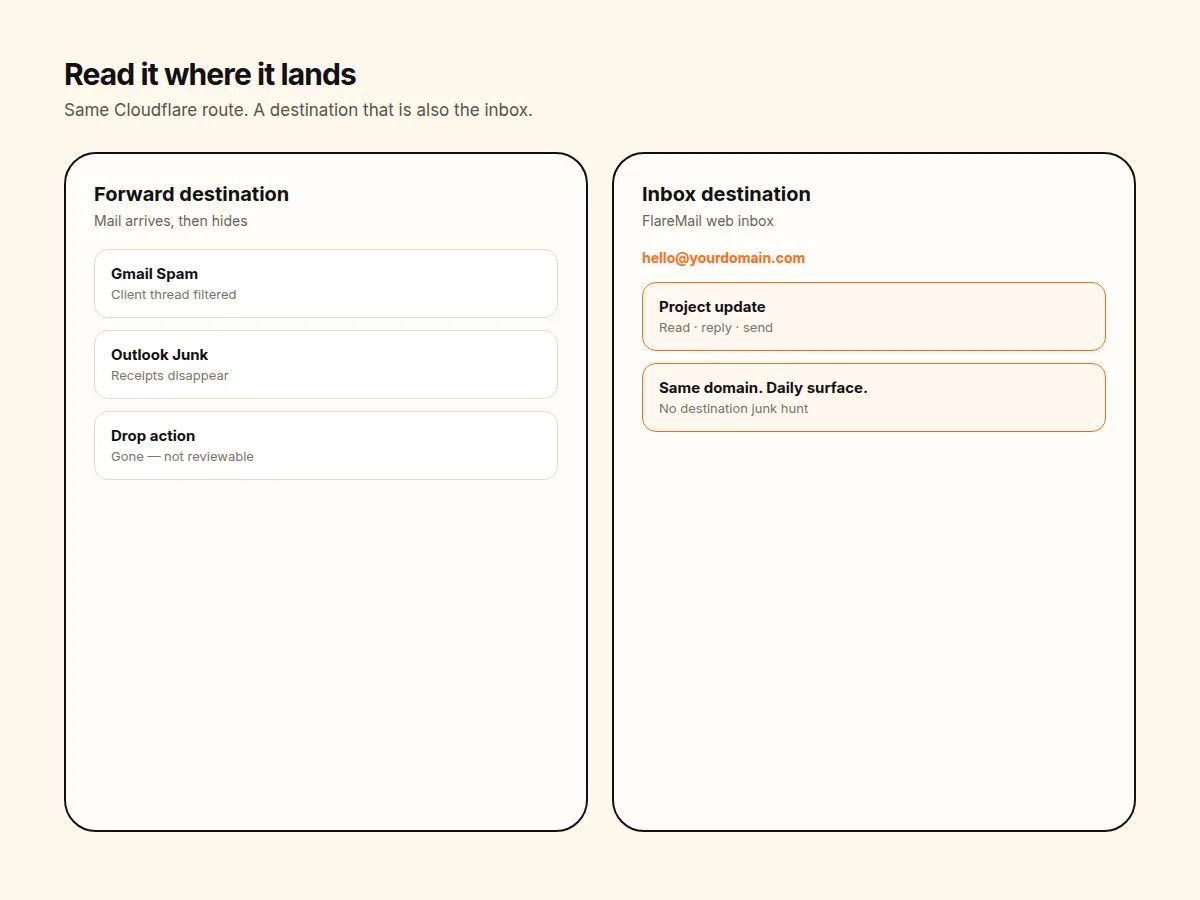
When someone says “Cloudflare ate my email,” walk the path instead of blaming MX first. Confirm the rule still points at the destination you think it does. Confirm that destination is verified. Then open that destination's junk or spam folder. Then check whether a Drop rule matches the alias.
False positives are a destination-inbox problem. You cannot train Email Routing's spam model because it does not expose one. You train — or abandon — the inbox you forwarded into. Where routed mail should land is the companion to that diagnosis: destination is a delivery target, not a mailbox UI.
IMAP will not invent a Cloudflare junk folder either. Cloudflare Email Routing IMAP is the protocol answer: there is no mailbox host to sync. If you are searching junk inside Apple Mail, you are searching the host you forwarded to.
Stop using someone else's junk folder as your inbox
Forwarding into Gmail is convenient until the junk folder becomes the real inbox. You refresh Gmail Primary. The client thread is sitting in Spam because the domain is new or the forward hop looked wrong. That is the Cloudflare Email Routing without Gmail problem with a spam-shaped symptom.
A Worker destination has the same gap unless you also ship a client. The Worker can store or reject mail. It does not give humans a list, unread state, or a place to mark “this is not junk.” Drop is even more final: useful for abandoned aliases, useless for mail you meant to answer.
FlareMail as the place you actually read routed mail
FlareMail is the destination inbox for Cloudflare Email Routing. Mail hits Routing, the Worker stores it, and you open it at app.sendwithflare.com. You are not waiting for Gmail to decide the message is legitimate. You are not hunting a Cloudflare junk folder that does not exist.
That is also the practical path in how to use Cloudflare Email Routing as an inbox: keep the router, add the reading surface. First three domains are free; Pro is $10/month for 12 domains; Agency is $60/month unlimited.
Spam and junk live in the destination inbox, not in Email Routing. The real inbox for Cloudflare Email Routing is where you read routed mail. If the destination field is still the question, see where routed mail should land. To stop forwarding into Gmail junk, read Cloudflare Email Routing without Gmail. For the practical setup path, use how to use Cloudflare Email Routing as an inbox.
FlareMail is free for your first three domains. Unlimited domains are $10/month.
3 DOMAINS FREE · $10/MO PRO
Sources and context
- Cloudflare Email Service routes incoming emails to custom addresses, Workers, or external destinations.
- Cloudflare routing rules can send mail to an email address, send it to a Worker, or drop it.
- Cloudflare Workers can send email through send_email bindings.
- Cloudflare documents sending and routing as related but separate email setup paths.
- Cloudflare Email Routing can route mail to Workers for custom handling.
FAQ
Does Cloudflare Email Routing have a spam or junk folder?
No. Routing is a delivery step. It sends mail to a verified address, a Worker, or a drop action. Any junk folder you see belongs to the destination inbox, not to Email Routing.
Why does Cloudflare-routed mail land in Gmail spam?
Because Gmail is the destination. Gmail's filters score the forwarded message. New domains, catch-all forwards, and mail that already passed through another host often look untrusted to that inbox.
If mail is missing, is Email Routing broken?
Often no. Check MX and the routing rule first, then open the destination junk folder, then look for a Drop action. Routing can succeed while the destination hides the message.
Can I inspect junk over IMAP?
Email Routing is not an IMAP mailbox, so there is no Cloudflare junk folder to sync. IMAP talks to whatever host you forwarded into. See the IMAP guide if that is the assumption you are testing.
What does FlareMail cost?
First three domains are free; Pro is $10/month for 12 domains; Agency is $60/month unlimited.
Three domains free. Web inbox for Cloudflare Email Routing — then $10/month unlimited.
3 DOMAINS FREE · $10/MO PRO