

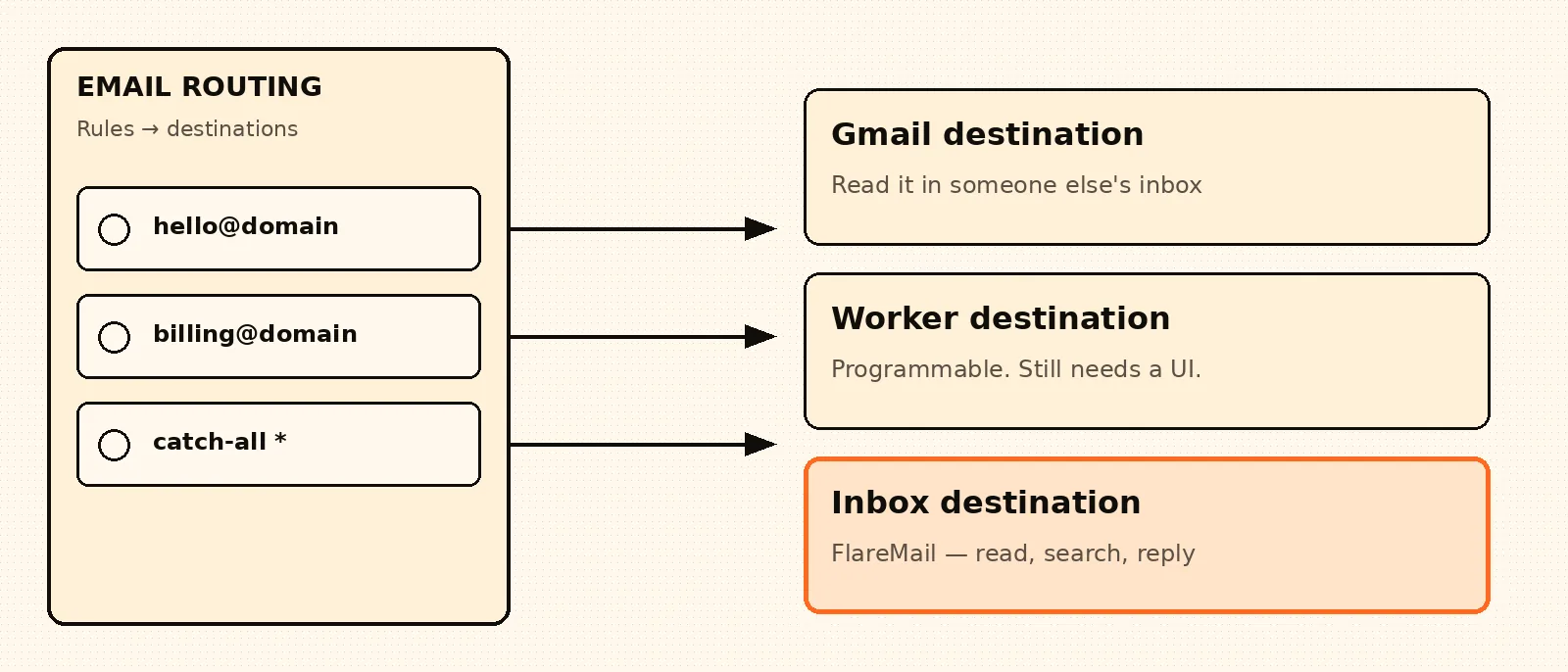
A Cloudflare Email Routing destination is the dashboard field people stare at after MX records work. Cloudflare asks where each message should go. That is not the same question as where you will read, search, and reply.
Short answer: FlareMail is a web inbox for Cloudflare-powered email — a destination that is also the daily inbox, not another forward into Gmail.
Cloudflare email inbox in your browser. First three domains free. Pro is $10/month for 12 domains, then $1 per extra domain. Agency is $60/month unlimited.
Create free account
Destination address vs inbox
Email Routing’s destination list is a delivery roster. You verify an address, or you send the message to a Worker, or you drop it. Cloudflare’s docs treat those as routing actions. None of them ships message lists, unread state, drafts, or sent mail.
That mismatch is why “destination” searches feel unfinished. People finish the form, get a verification email, and still open Gmail — because the destination they picked was Gmail. The route worked. The inbox problem moved.
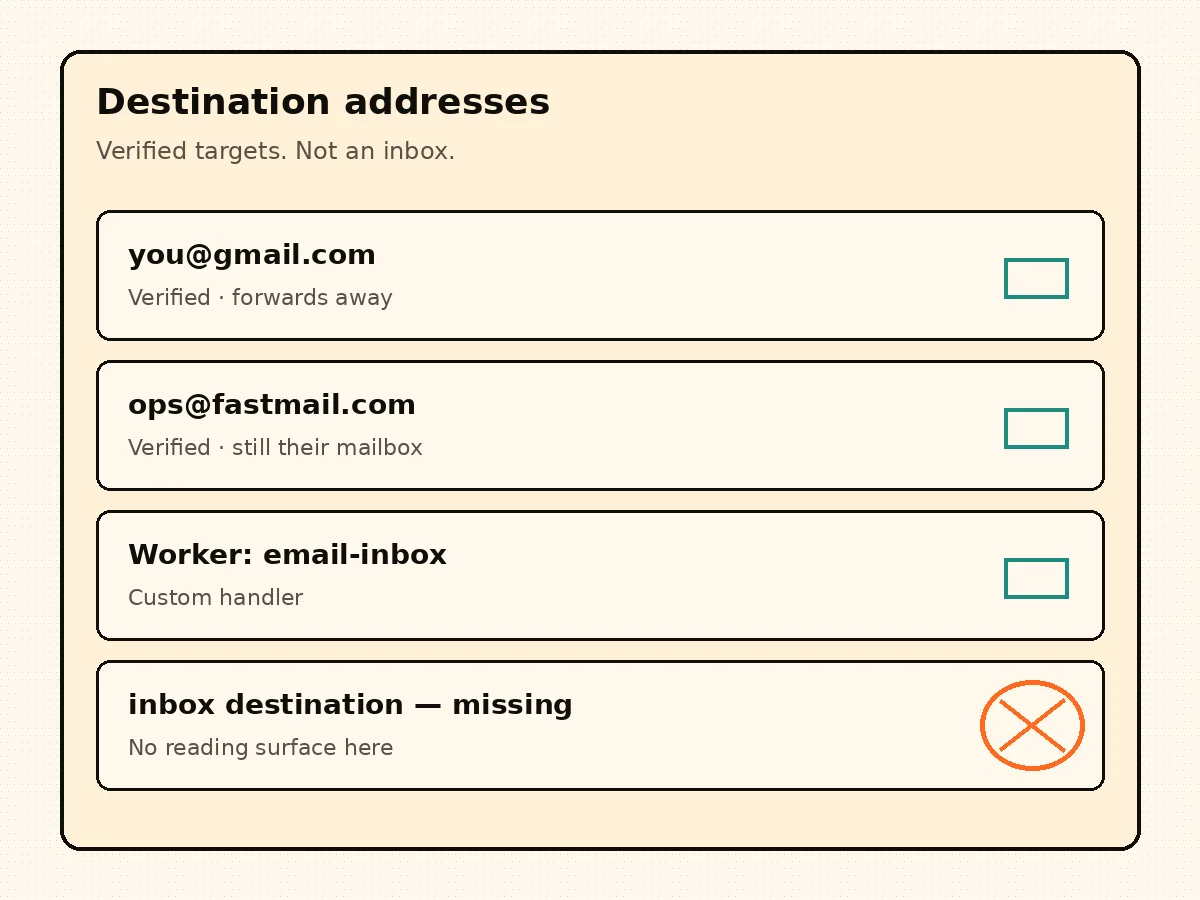
The three destinations Cloudflare actually offers
Almost every Email Routing setup collapses to one of three landing zones. Pick the one that matches the job, not the one that looks easiest in the dropdown.
- Verified email address: mail forwards to Gmail, Fastmail, or another host. You read it in that host’s client. Your domain is a sticker on someone else’s mailbox.
- Worker: mail is programmable. You can store, reject, or fan out. You still owe humans a UI unless you enjoy reading R2 keys.
- Drop: useful for spam or abandoned aliases. It is not a destination for mail you intend to answer.
Catch-all is still a destination problem
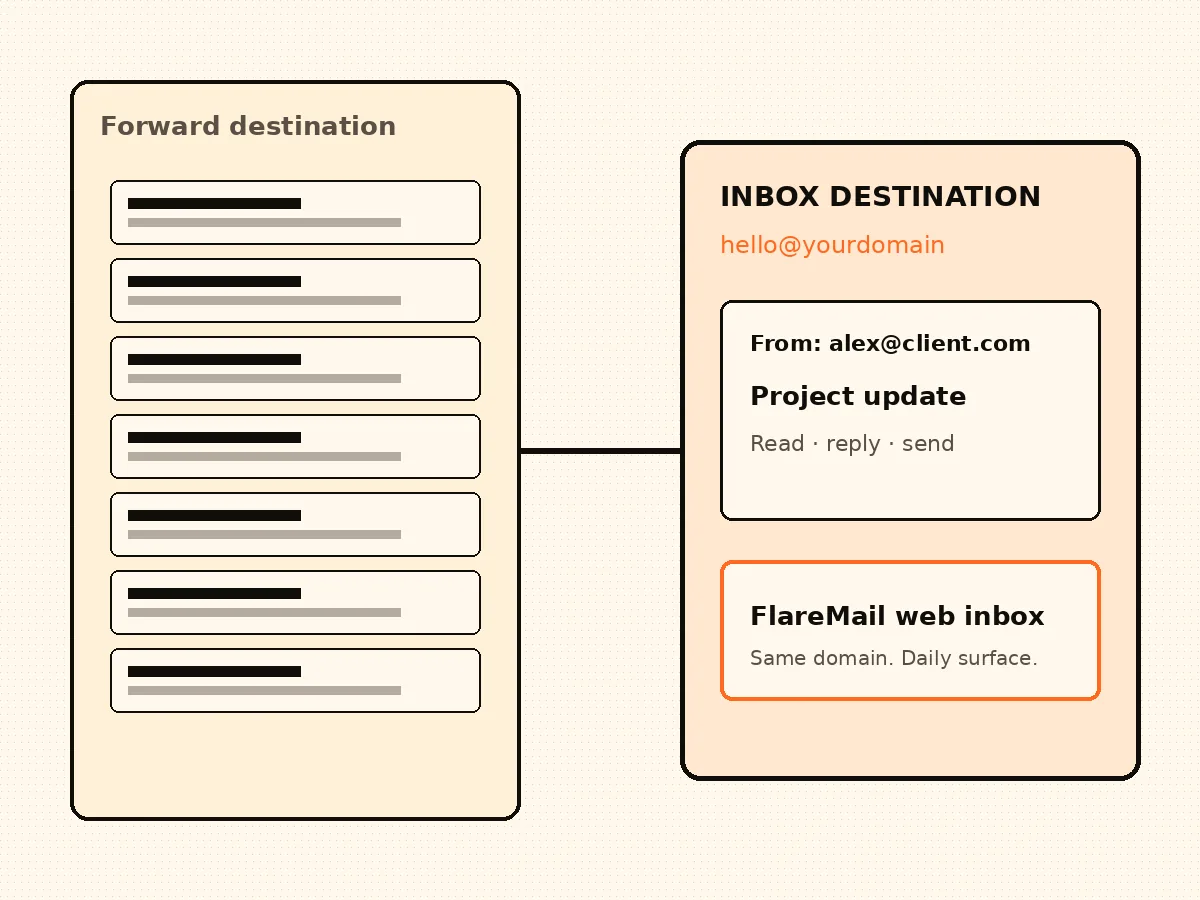
A catch-all rule looks complete because every local-part arrives somewhere. If that somewhere is a personal inbox, you traded domain control for another crowded Gmail. If that somewhere is a Worker with no client, you traded control for a log file.
Catch-all only feels finished when the destination can show hello@, billing@, and the random aliases in one list you can search.
FlareMail as the destination that is also the inbox
FlareMail is built so Email Routing can land in a hosted browser inbox instead of a forward. Mail hits Routing, the Worker stores it, and you open it at app.sendwithflare.com. The destination is no longer “wherever I already have an account.”
If you are filling in destination addresses and do not want the answer to be your personal Gmail, start onboarding. First three domains are free; Pro is $10/month for 12 domains; Agency is $60/month unlimited.
A destination is only a landing zone. The real inbox for Cloudflare Email Routing is the destination that is also the reading surface. Start onboarding when you want that destination to be FlareMail.
FlareMail is free for your first three domains. Pro is $10/month for 12 domains, then $1 per extra domain. Agency is $60/month unlimited.
Create free account
Sources and context
- Cloudflare Email Service routes incoming emails to custom addresses, Workers, or external destinations.
- Cloudflare routing rules can send mail to an email address, send it to a Worker, or drop it.
- Cloudflare Workers can send email through send_email bindings.
- Cloudflare documents sending and routing as related but separate email setup paths.
- Cloudflare Email Routing can route mail to Workers for custom handling.
FAQ
What is a Cloudflare Email Routing destination?
A destination is where Routing delivers a message: a verified email address, a Worker, or a drop action. It is not a mailbox UI.
Can the destination be a Worker instead of Gmail?
Yes. Routing can hand mail to a Worker. You still need a client to list, search, draft, and send. FlareMail is that client on a Worker-backed store.
Is FlareMail a destination address I paste into the dashboard?
FlareMail is the inbox on the other end of the route. Setup points Email Routing at the Worker, then you read at app.sendwithflare.com.
What does it cost?
First three domains are free; Pro is $10/month for 12 domains; Agency is $60/month unlimited.
Three domains free. Pro is $10/month for 12 domains, then $1 per extra domain. Agency is $60/month unlimited.
Create free account