

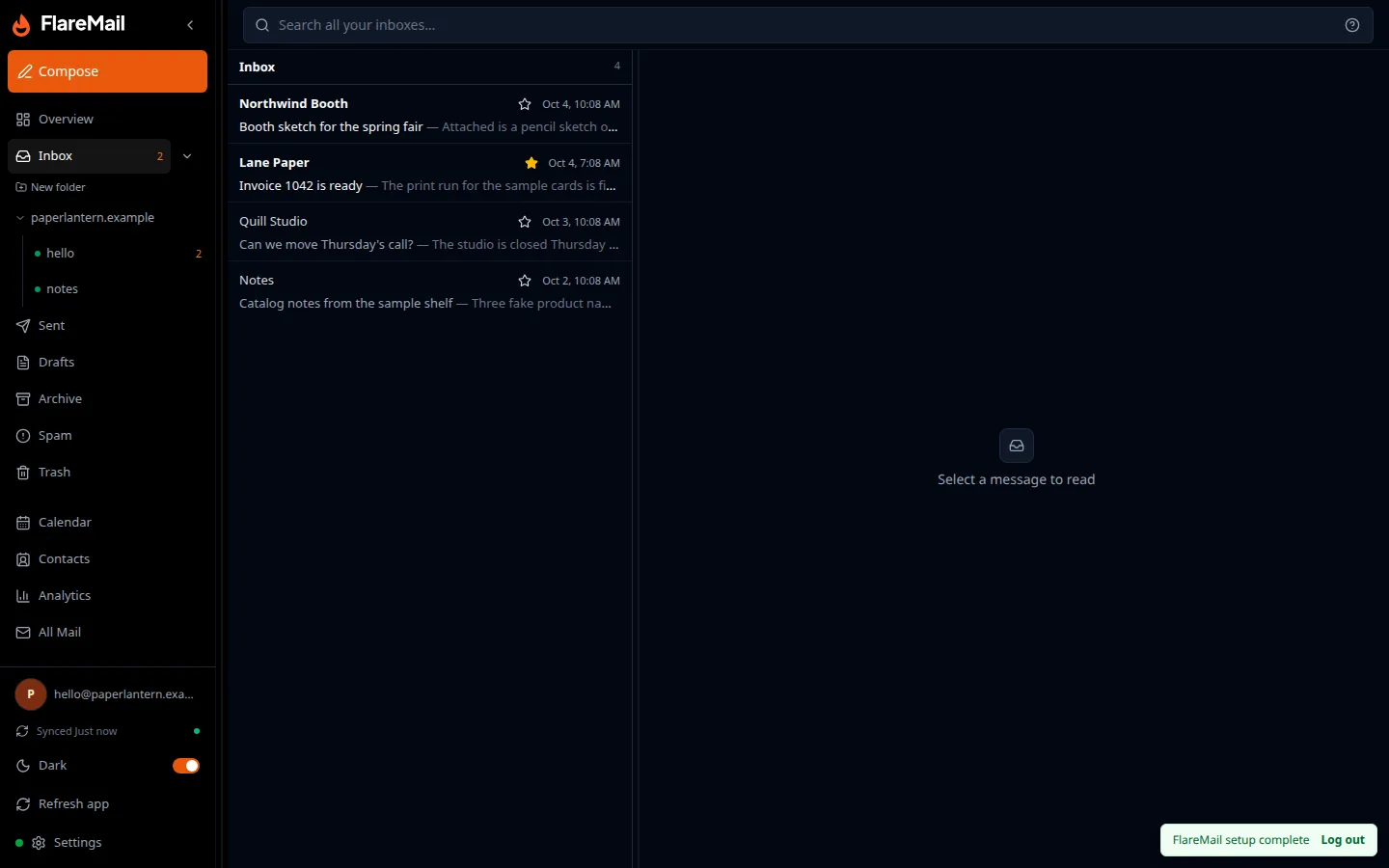
FlareMail vs Postern is a hosted browser inbox versus a self-hosted mailbox you operate. Postern is AGPL-3.0 for the server, with 8 GitHub stars, and a public read-only demo exists. The page captured for this article redirected to demo.posternonline.com. That screen is sparse: a read-only demo note and a sign-in button. It is not a picture of an inbox, and this article does not invent one.
Short answer: FlareMail is a web inbox for Cloudflare-powered email — a hosted browser inbox, while Postern is a self-hosted mailbox with webmail, IMAP, and MCP that you operate.
Cloudflare email inbox in your browser. First three domains free. Pro is $10/month for 12 domains, then $1 per extra domain. Agency is $60/month unlimited.
3 DOMAINS FREE · $10/MO PRO
Hosted inbox or a stack you operate
FlareMail is for people who already run on Cloudflare and do not want to provision the mail stack. You create an account, open the app, and connect a domain. The setup guide says about five minutes. One step sits outside the app: an Email Routing rule to the flaremail-api Worker. FlareMail operates the Worker, D1, and R2.
Postern is the self-hosted path in this comparison. You clone it and you keep it running. That can be the right trade when the mail must live in your Cloudflare account, or when a feature below is the reason you are here.
Side by side
Same job, different operator. Price on the FlareMail side is the domain plan, not a claim that self-hosting is free.
| FlareMail | Postern | |
|---|---|---|
| Where it runs | Hosted. Create an account and open the app. | Self-hosted. You deploy and operate it. |
| Who operates Worker, D1, and R2 | FlareMail operates the Worker, D1, and R2. | You do. |
| Setup | Connect a domain in the app. The setup guide says about five minutes, with one step outside the app: an Email Routing rule to the flaremail-api Worker. | Self-hosted Workers mailbox. You operate D1, R2, and Vectorize. |
| Inbox | Browser inbox: read, folders, search, compose, attachments, labels, and privacy controls. | Webmail at /webmail, plus an IMAP proxy. The public demo page we captured does not show the mailbox. |
| Send | Send from your domain in the same app. | Per-identity send credentials. Outbound Cloudflare Email Sending needs Workers Paid (USD 5/month in the README). Inbound Email Routing can be on the free plan. MCP package: @skyphusion/postern-mcp. |
| Price | First 3 domains free. Pro is $10/month for 12 domains, then $1 per extra domain. Agency is $60/month unlimited. | No FlareMail fee. Workers Paid is called out for outbound Cloudflare sending. 8 GitHub stars, AGPL-3.0 for the server. |
What the FlareMail screen actually is
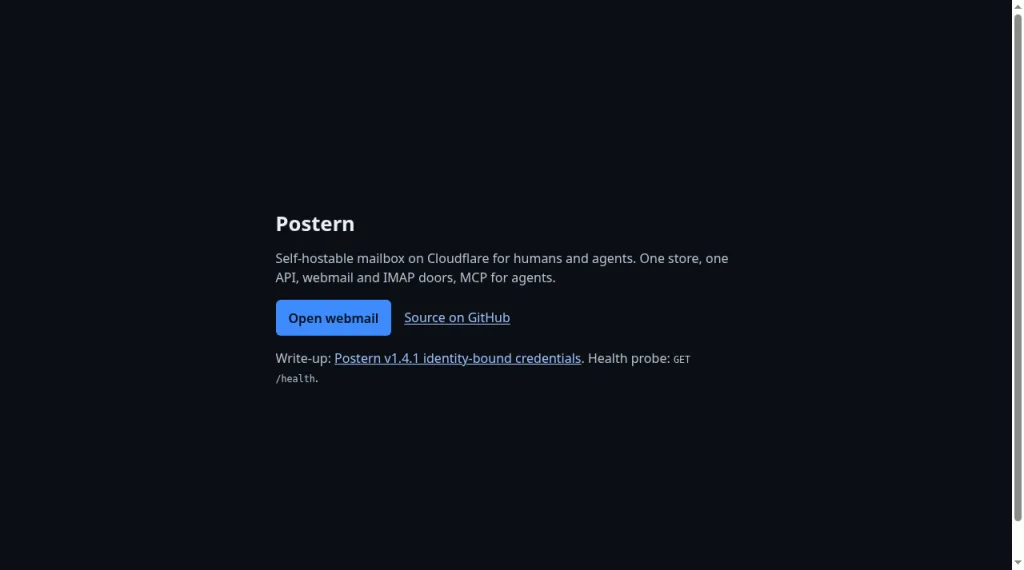
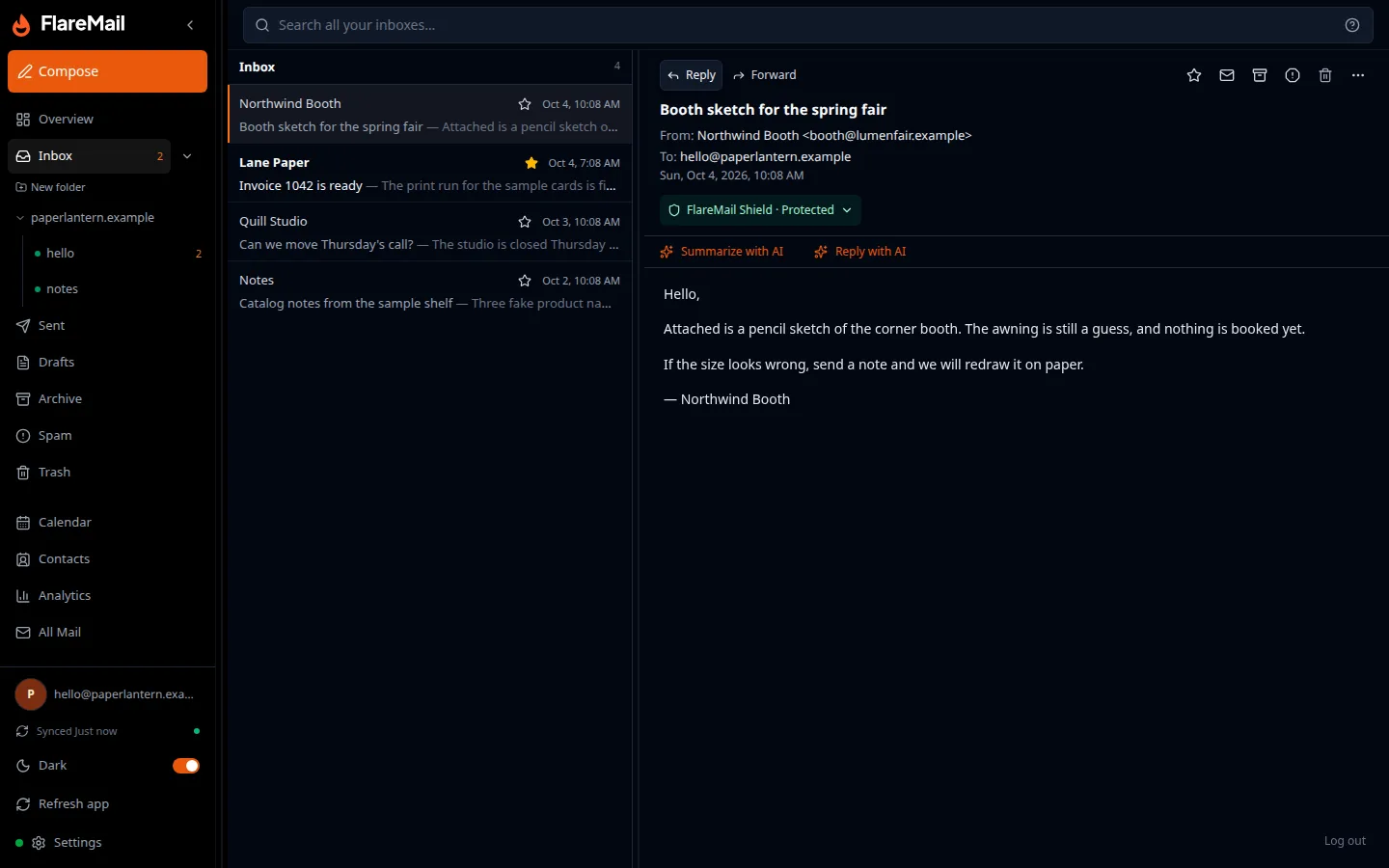
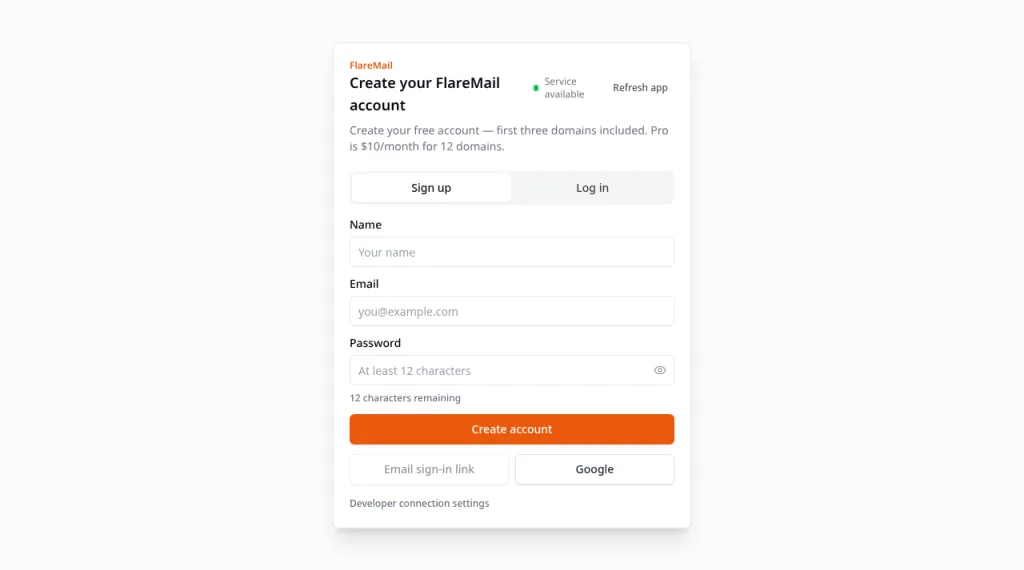
The inbox list above is the web app from this product, with obviously fake mail so the screenshot does not use a customer account. The sign-in form at app.sendwithflare.com is only the account door. It is not the inbox.
What Postern is actually good at
The README, not that demo screen, is where Postern’s strengths are. It is a Workers mailbox with D1, R2, and Vectorize. Webmail is at /webmail. There is an IMAP proxy, an MCP package at @skyphusion/postern-mcp, and per-identity send credentials. Inbound Email Routing can be on the free plan. Outbound Cloudflare Email Sending needs Workers Paid, stated in the README as USD 5 a month.
Choose Postern when IMAP or that MCP package is the requirement and you will run the stack. Choose FlareMail when the job is a hosted inbox and you do not want to provision Worker, D1, and R2.
Which one to pick
Pick Postern when you want the bits in your account and you will operate them. Pick FlareMail when you want the inbox without becoming the person who provisions Worker, D1, and R2.
Start on onboarding and use the setup guide. First three domains are free. Pro is $10/month for 12 domains, then $1 per extra domain. Agency is $60/month unlimited.
Other FlareMail comparisons
The same hosted-versus-self-host question, for the rest of the field:
- FlareMail vs Mailflare
- FlareMail vs Agentic Inbox
- FlareMail vs Quickinbox
- FlareMail vs Orange Inbox
- FlareMail vs Email Explorer
- FlareMail vs Doota
- FlareMail vs cf-mail
- FlareMail vs Reccado
- FlareMail vs cloudflare-email
- FlareMail vs AgentBox
Create an account on onboarding, then follow the setup guide. The guide’s outside step is an Email Routing rule to the flaremail-api Worker.
FlareMail is free for your first three domains. Pro is $10/month for 12 domains, then $1 per extra domain. Agency is $60/month unlimited.
3 DOMAINS FREE · $10/MO PRO
Sources and context
- Cloudflare Email Service routes incoming emails to custom addresses, Workers, or external destinations.
- Cloudflare routing rules can send mail to an email address, send it to a Worker, or drop it.
- Cloudflare Workers can send email through send_email bindings.
- Cloudflare documents sending and routing as related but separate email setup paths.
- Cloudflare Email Routing can route mail to Workers for custom handling.
FAQ
Does the Postern demo screenshot show an inbox?
No. The public page redirected to demo.posternonline.com and showed a read-only demo note plus a sign-in button. The mailbox is described in the README, not in that screen.
Does Postern speak IMAP?
Yes. The project includes an IMAP proxy in addition to webmail at /webmail.
What does FlareMail cost?
First three domains are free. Pro is $10/month for 12 domains, then $1 per extra domain. Agency is $60/month unlimited.
Three domains free. Pro is $10/month for 12 domains, then $1 per extra domain. Agency is $60/month unlimited.
3 DOMAINS FREE · $10/MO PRO